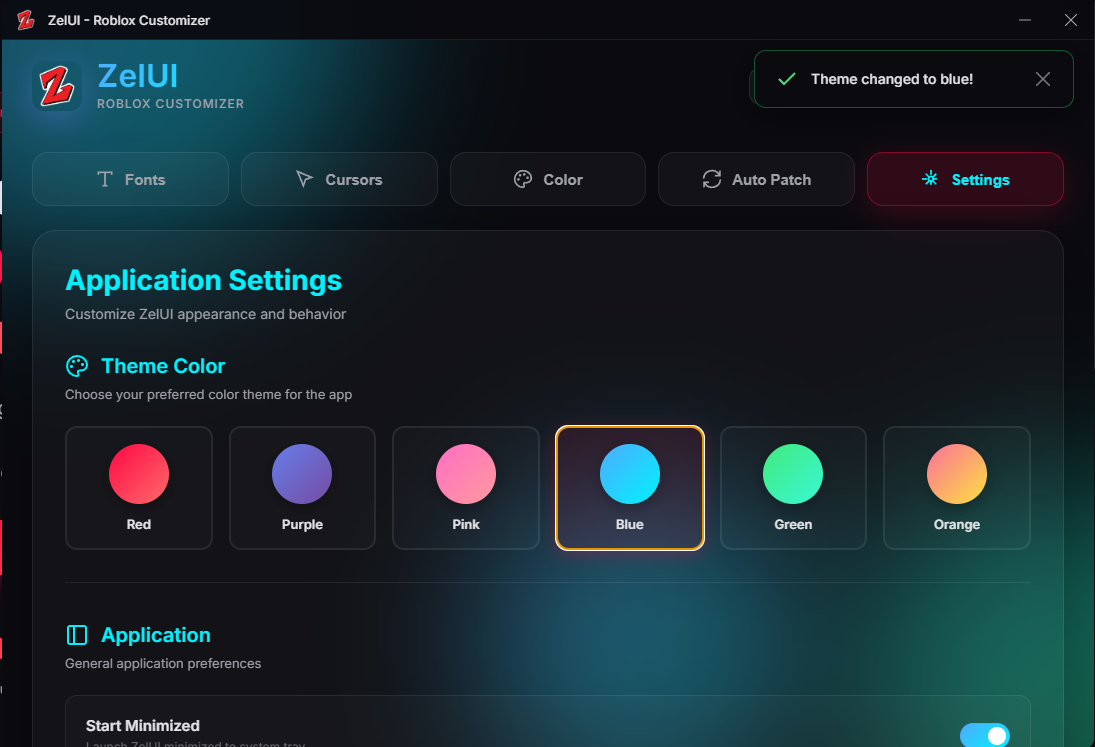
Change Roblox fonts, cursors and colors in just a few clicks.
Simple, fast and completely free.
Everything you need to customize Roblox
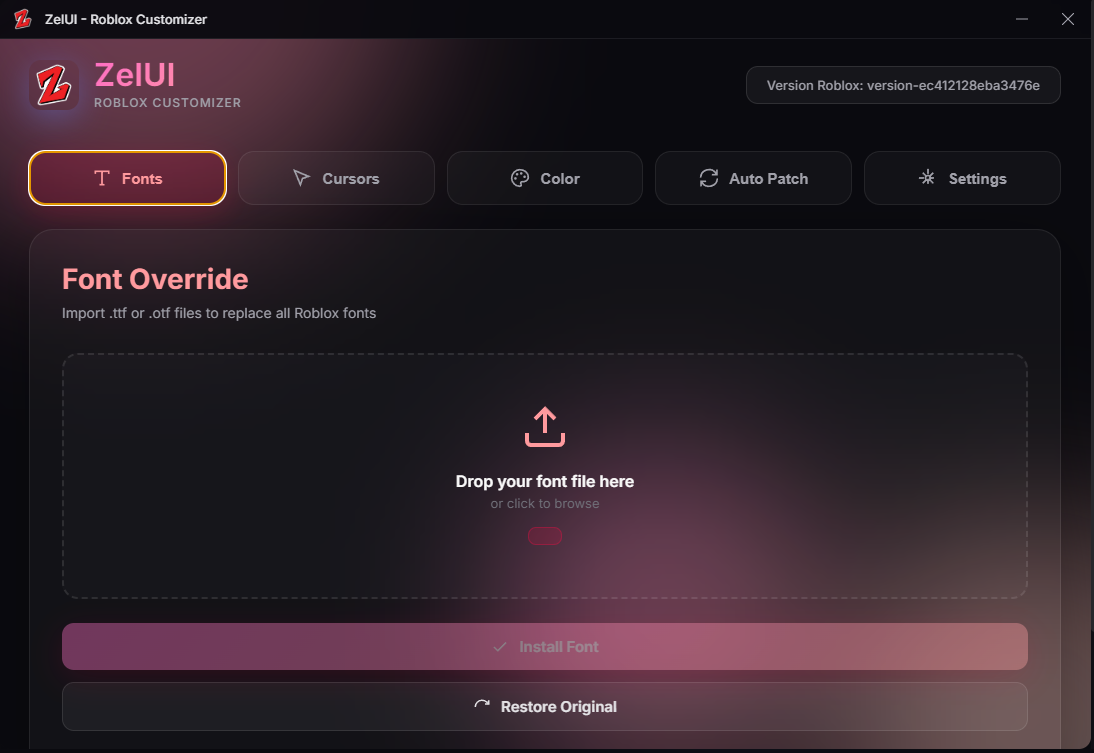
Import any .ttf or .otf font to replace all Roblox fonts. Give your interface a unique style.
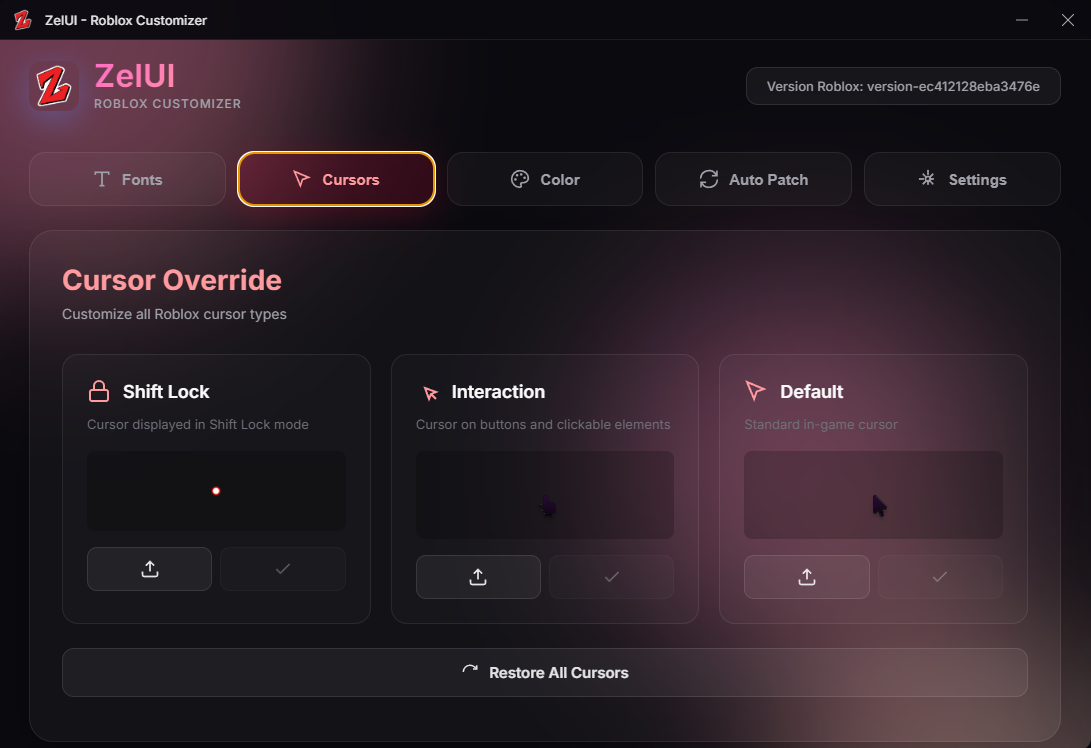
Change the 3 types of Roblox cursors (default, interaction, shift lock) with your own PNG images.
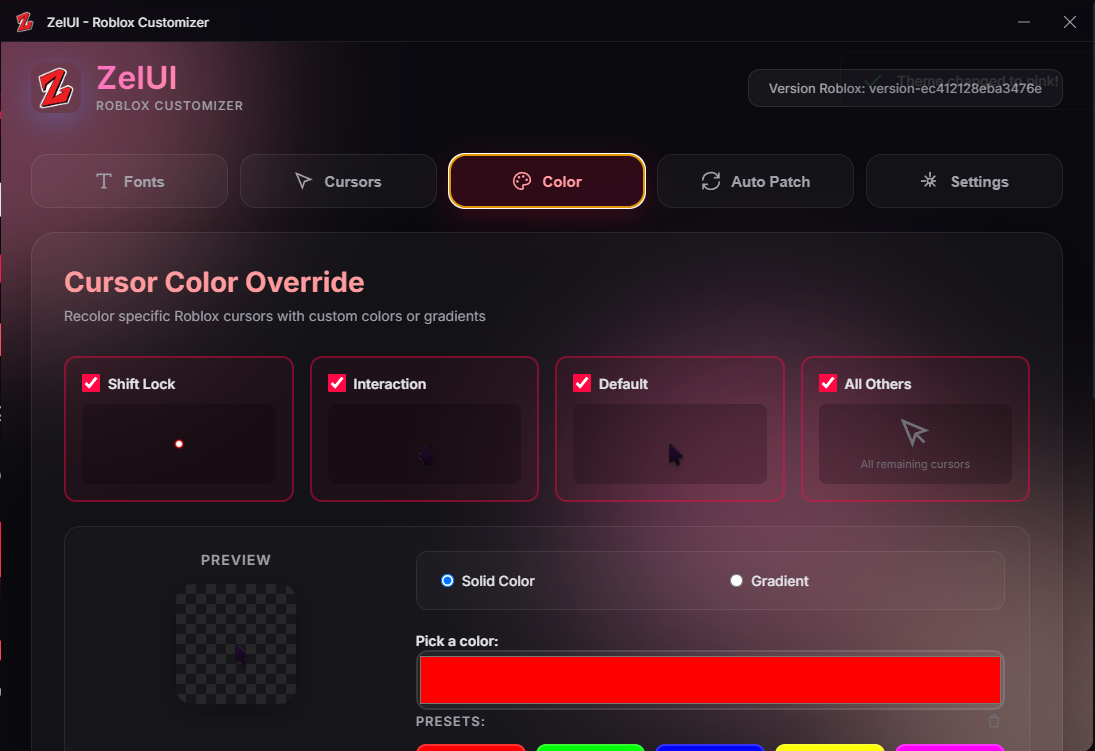
Apply solid colors or gradients to your cursors. Create unique combinations with presets or your own colors.
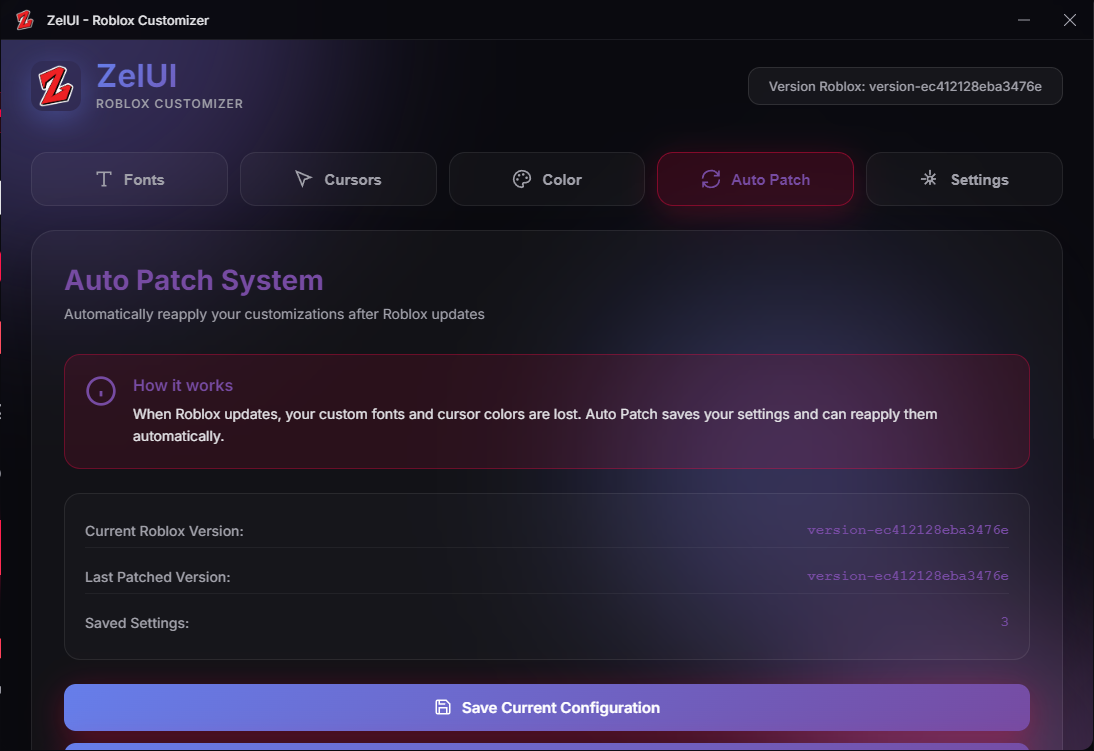
Save your configuration and automatically reapply it after each Roblox update. No need to redo everything!
Each modification creates an automatic backup. Restore original files with one click if needed.
Elegant and intuitive design with smooth animations. Multiple color themes available to customize the app.
Download ZelUI for free and start creating your unique Roblox experience right now.
Free • No ads • By Zel (@Zelvrax)
Everything you need to know about ZelUI
Yes, ZelUI is 100% safe. It only modifies local Roblox files on your PC and creates automatic backups before each modification.
No, ZelUI only modifies the local visual appearance of Roblox (fonts, cursors). This does not affect gameplay and provides no competitive advantage.
Roblox updates may reset your modifications. That's why ZelUI includes an Auto Patch system that detects updates and automatically reapplies your configuration.
Each ZelUI tab has a "Restore Original" button that instantly restores the original files from automatic backups.
For fonts: .ttf and .otf. For cursors: .png with transparency recommended. Images are automatically resized if necessary.
Yes, ZelUI is 100% free. No ads, no subscription, no hidden fees. Download and use it freely.
Join our Discord server to get the latest updates and support
Chat with other users, share your configurations and get live help from the team.
Join Discord